
Be aware of Malicious PDF in Emails
Many times we receive PDF attachments in emails. These files often seems legitimate communications from trusted sources. These attached Malicious PDF in emails may appear harmless but can contain malicious software designed to harm your computer/mobile devices or steal your sensitive information. Read below to know how to be aware of Malicious PDFs in Emails.
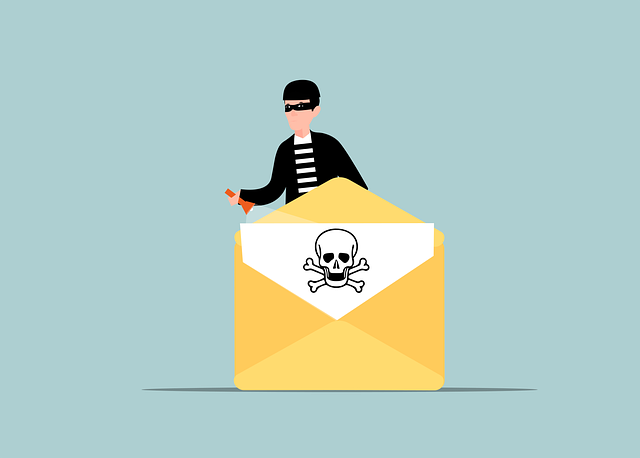
What Makes These Attachments Dangerous?
Hidden Malware
PDF attachments may carry viruses, or other malicious code.
Data Theft Risk
Opening of infected files may compromise your personal or financial information.
Phishing Links
Some PDF files have embed links redirecting your to fake websites aimed at capturing your credentials.
Simple Steps to Spot Threats and Stay Safe
Following are some simple steps to identify threat and stay safe from these Malicious PDF in Emails:
Check the email ID
Always check the sender email id. If the sender is unfamiliar or there is a spelling mismatch from the original brand name chances are the file may be dangerous.
Check the file type
If attachment has an executable file type (.exe .bat or .scr) files, do not open the such file as it could infect your devices.
Check whether the file contains hyperlinks
Just hover over (keep your cursor on) the URLs before clicking and check where is the target of the link. Avoid clicking if URLs look unfamiliar.
Report Suspicious Emails
You can always notify the respective concerned authorities for such emails.
Never Share Passwords or OTPs
Your login details and OTPs are private. So never disclose them to anyone.
Update Regularly
Keep your operating system, software and apps up to date.
Staying alert is the first step to staying protected.
You may use ‘comment section’ below for your valuable comments/feedback.